

 50,000+ iPhones Unlocked
 All lock types, one solution: Remove 4/6-digit passcodes, Face ID, and Touch ID instantly.
Fixes "iPhone Unavailable" errors.
Zero technical skill: Streamlined interface guides you through the process. No expertise required.
Peace of mind security: Effortlessly restore your data anytime with our dedicated recovery solution.
All versions & devices: Native support for all system architectures and hardware.
Safe & privacy-first: Read-only access and military-grade encryption ensure 100% privacy.
 Secured by Microsoft Store
 30-Day Money-back
The ultimate iPhone unlocker to remove screen passcodes, bypass "iPhone Unavailable," or reset disabled devices in minutes.
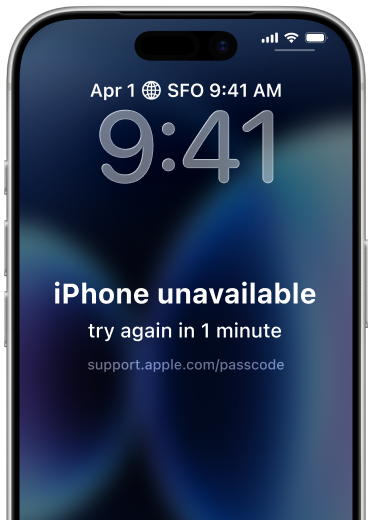
Fix the "try again" timer without waiting.
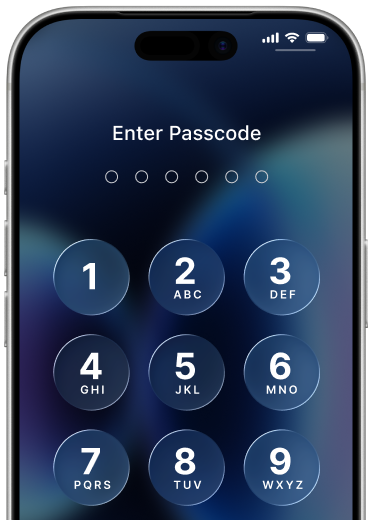
Remove 4/6-digit, PIN, or custom passwords.
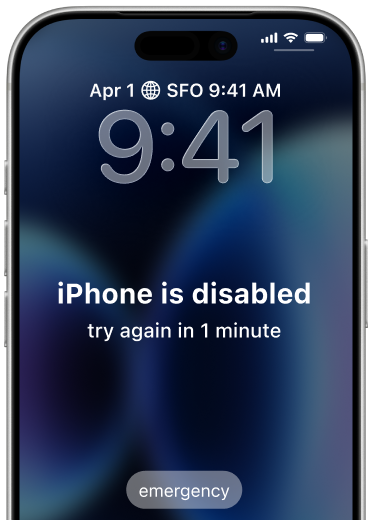
Restore access to "iPhone is disabled" devices.
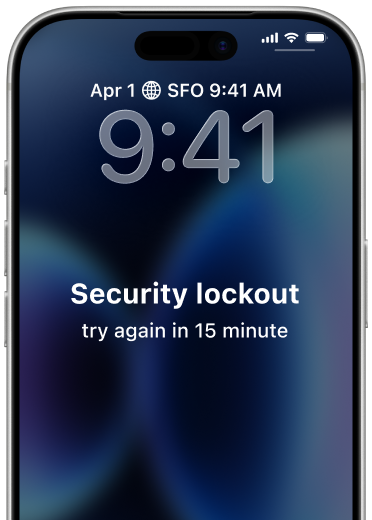
Instantly bypass the iOS 26 security lockout.
Unlock or reset Screen Time settings.
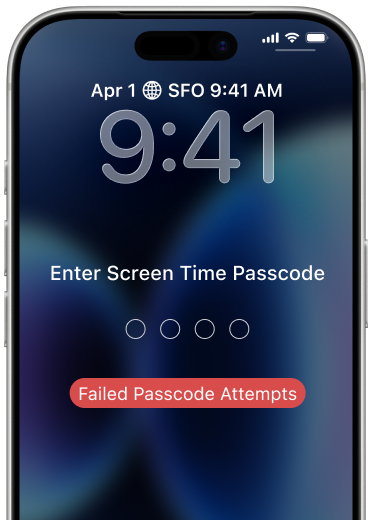
Unlock when Face ID or Touch ID fails.
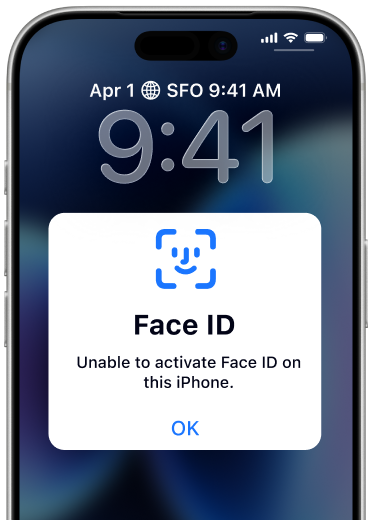
Fix the "try again" timer without waiting.
Remove 4/6-digit, PIN, or custom passwords.
Restore access to "iPhone is disabled" devices.
Instantly bypass the iOS 26 security lockout.
Unlock or reset Screen Time settings.
Unlock when Face ID
or Touch ID fails.
No technical skills required. No manual firmware hunting. Just a few clicks to regain access.
Connect your iPhone to the computer using an original Apple USB cable. Ensure the device is detected in Recovery Mode.
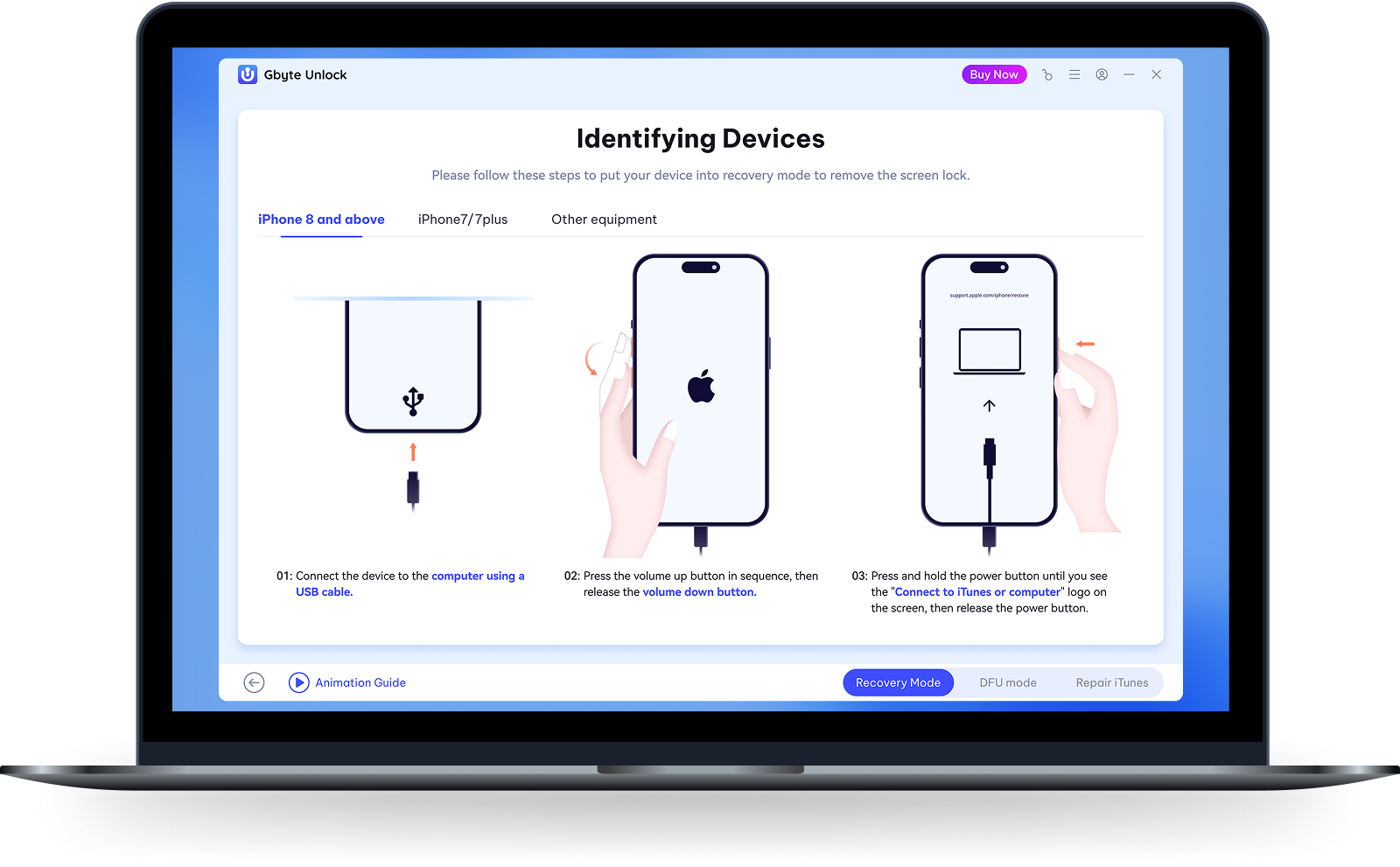
Click "Download" to get the latest iOS firmware (IPSW). Ensure sufficient storage space. Or click "Import Local Firmware" if you already have the file.
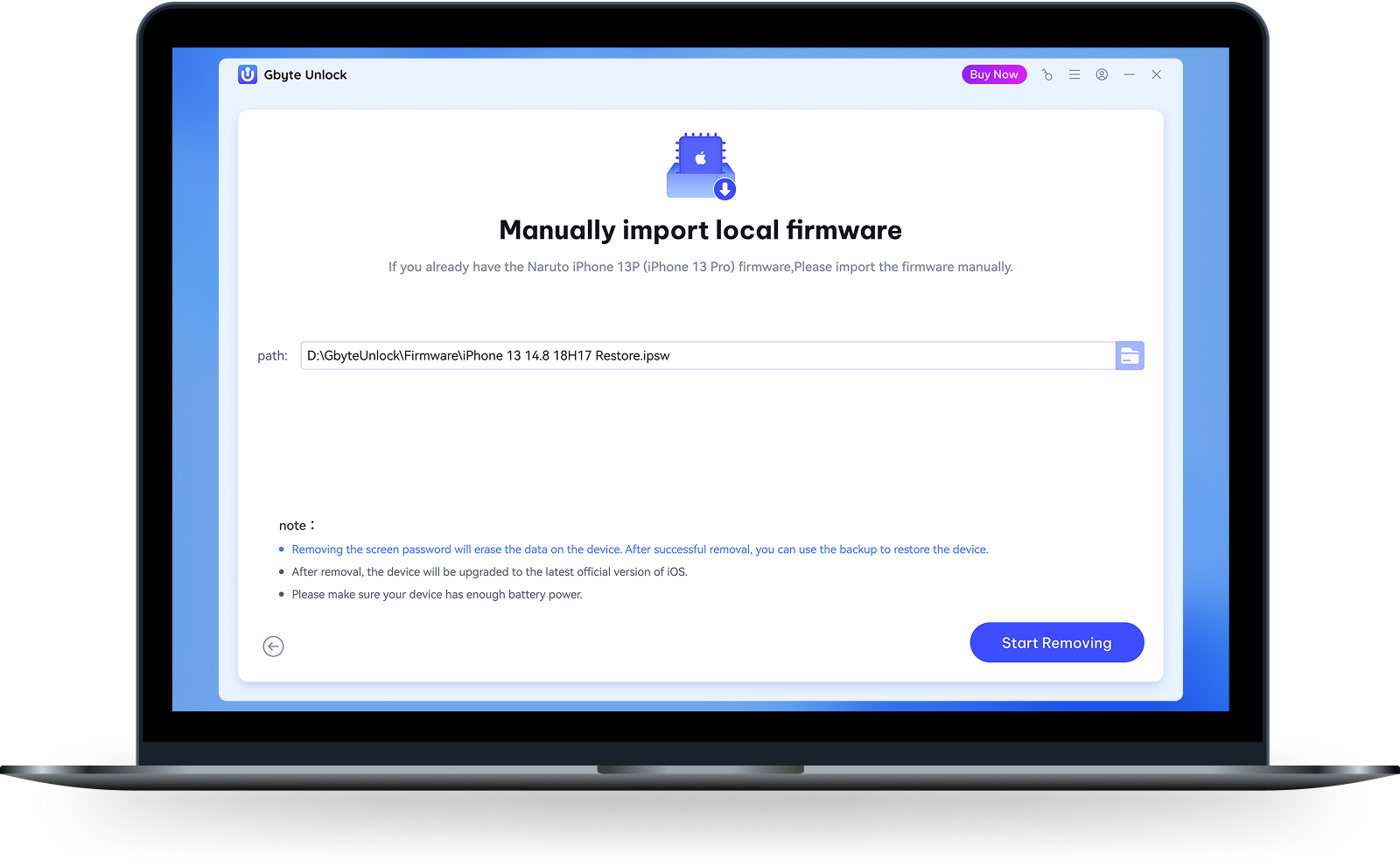
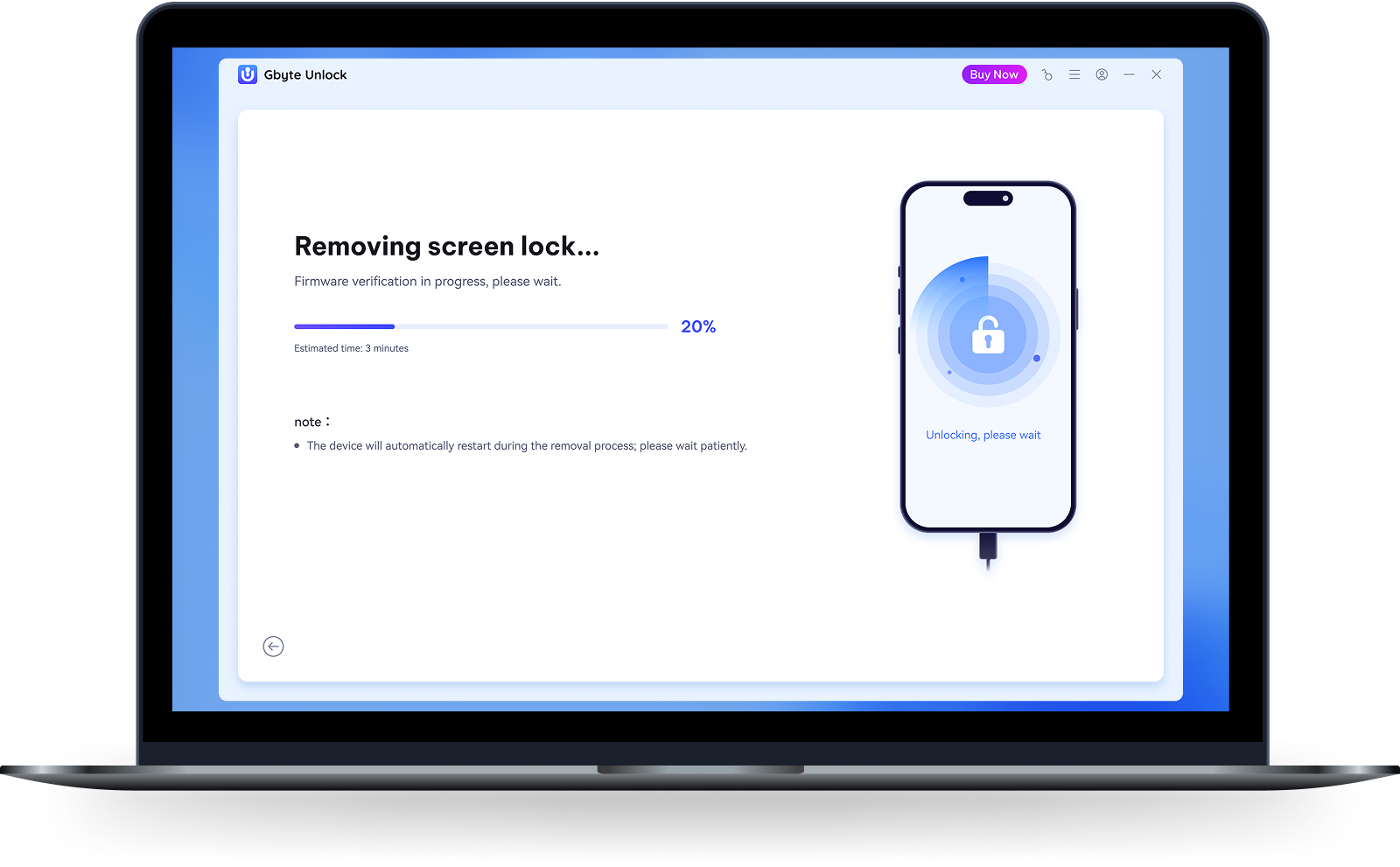
Click "Start Removing" to unlock. Keep the iPhone connected during the process (takes a few minutes). The device will restart automatically with no data loss.
Works with Every iPhone, iPad, and iOS Version

iPhone

iPad

iOS

50MB installer. Starts in < 3s.

Rust-powered. 0 crashes on Win 10/11.

Native support for M1-M4 & Intel Macs.

Windows 7, 8, 10, 11-all supported.
Your Privacy Is Non-Negotiable

Gbyte is verified by Apple's Notarization process. No malware, no hidden code. Your Mac will never flag it as unsafe.

Your unlock happens entirely on your computer. No data is uploaded to our servers. What's on your phone stays on your phone.

Built to meet the strictest global privacy regulations. Trusted by users in 80+ countries.

Before any action that erases data, Gbyte shows a clear warning. You're always in control. No surprises.

Forgot Passcode
My daughter kept entering the wrong passcode until my iPhone got disabled. I had 3 years of photos on there with no backup. Gbyte unlocked it in 8 minutes. Every single photo was still there.

12,000+ verified reviews
Join tens of thousands of users who've unlocked their iPhones safely, quickly, and without data loss.


Master your iPhone like a pro
Solve every iPhone issue with Gbyte — simply and confidently.
 100% Secure
 Instant launch
 No malware
Subscribe Our Newsletter
For exclusive tutorials, product updates & phone tips, protect your data and prevent loss!
You can unsubscribe from our newsletter at any time by clicking the "Unsubscribe"link at the bottom of our emails.


Copyright @2026 Gbyte. All rights reserved.
The installation wizard will automatically start after downloading.
After registration, the recovery process can be managed through the web interface.
You get it all with your purchase - no locked features, no hidden limitations.


