

Gbyte Unlock

Gbyte Unlock
Safely remove any iPhone/iPad screen lock in a few clicks.
Table of contents
There are many iPhone unlock software options available today, but they are not designed for the same purpose. Some tools focus on removing forgotten screen passcodes, while others offer additional features such as Apple ID removal, MDM removal, or Screen Time passcode removal.
Test Item | Details |
Test Device | iPhone 17 |
iOS Version | iOS 26.5.2 |
Unlock Situation | Forgot screen passcode and locked out of the device |
Tested Function | Screen passcode removal |
Evaluation Criteria | Device detection, firmware preparation, unlocking steps, and overall workflow |
In this guide, we compare five popular iPhone unlock software options in 2026, looking at their key features, pricing, supported scenarios, and overall user experience.
To make the comparison easier, we evaluated five popular iPhone unlock software based on their overall experience, workflow simplicity, compatibility, pricing, and practical use cases.
Software | Firmware download | Unlock completed | Price | Workflow Simplicity | Value for Money | Best For | Testing Notes |
Gbyte Unlock | 6min | 5min | from 25.99$ | ⭐⭐⭐⭐⭐ | ⭐⭐⭐⭐⭐ | Forgotten Passcodes | Successfully completed our iPhone screen passcode removal test with a straightforward workflow |
Tenorshare 4uKey | 12min | 7min | from 35.95$ | ⭐⭐⭐⭐☆ | ⭐⭐⭐⭐ | Multiple Unlocks | The unlocking process was clear, but firmware preparation required additional waiting time before starting the removal process. |
Dr.Fone Screen Unlock | 10min | 7min | from 34.95$ | ⭐⭐⭐⭐☆ | ⭐⭐⭐ | All-in-One Use | Provided a guided workflow during testing, although users need to go through multiple modules before selecting the unlock function. |
iMyFone LockWiper | 11min | 15min | from 29.99$ | ⭐⭐⭐☆☆ | ⭐⭐⭐⭐ | Advanced Users | Offered several unlocking modes, but some features require checking device and iOS compatibility before use. |
EaseUS MobiUnlock | 9min | 10min | from 29,95$ | ⭐⭐⭐☆☆ | ⭐⭐⭐⭐ | Simple Alternative | Provided a simple unlocking workflow focused on common iPhone passcode removal scenarios. |
Speed ratings reflect the total time from firmware download to completed unlock, measured on the same device. Value ratings weigh that result against each tool's entry price.
![gbyte-unlock-start-screen-for-ios-screen-removal[1].webp](https://resource.gbyte.com/20260717/large/gbyte-unlock-start-screen-for-ios-screen-removal[1].webp "gbyte unlock start screen")
Gbyte Unlock focuses on one of the most common iPhone unlocking situations — removing a forgotten screen passcode and helping users regain access to a locked device.
During our testing, Gbyte Unlock provided a guided process from device detection to firmware preparation and passcode removal. The workflow was straightforward, with each step clearly explained throughout the unlocking process.
Result: Passcode removed successfully. Firmware download took 6 minutes; the removal itself completed in 5 minutes.
For users who mainly need to remove a forgotten iPhone passcode, Gbyte Unlock offers a focused solution with a simple workflow, affordable pricing, and a more direct approach to solving the unlocking problem.

Pros

Cons
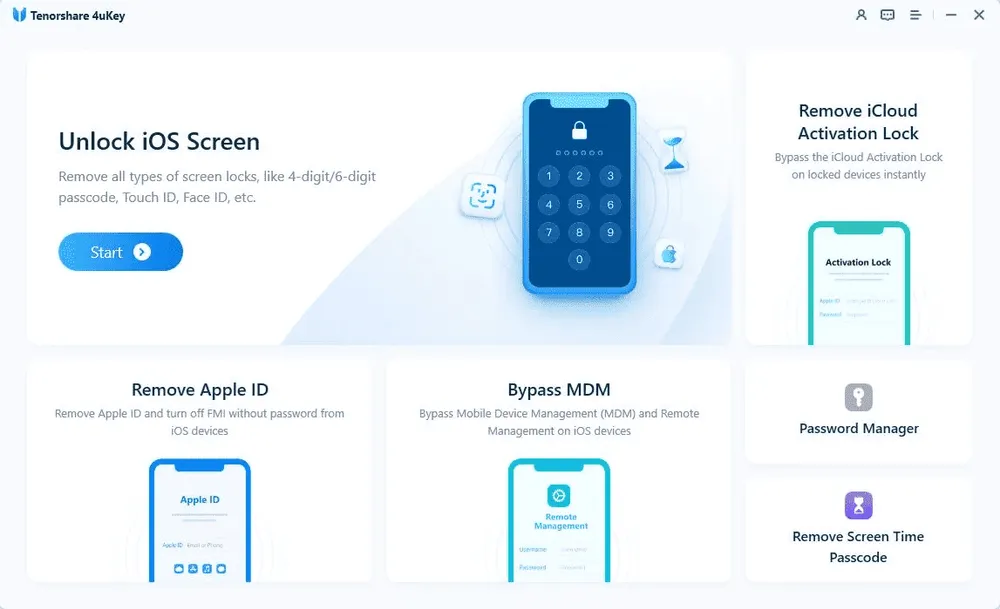
Tenorshare 4uKey is one of the more widely recognized iPhone unlock tools and supports several unlocking scenarios beyond standard screen passcode removal. It is designed for users who may need solutions for different types of iOS locks.
Compared with Gbyte Unlock, 4uKey offers more unlocking modes from the same interface. However, during testing, I found that having more options also means users need to spend more time choosing the correct mode before starting. The firmware download stage took around 12 minutes in my test before the unlocking process could continue.
Pricing is also something to consider, particularly for users who only need a one-time screen passcode removal solution. Overall, 4uKey provides a clear workflow, but the additional features and preparation steps may be more than some users need.
Result: Passcode removed successfully. Firmware download took 12 minutes; the removal itself completed in 7 minutes.
Pros
Cons
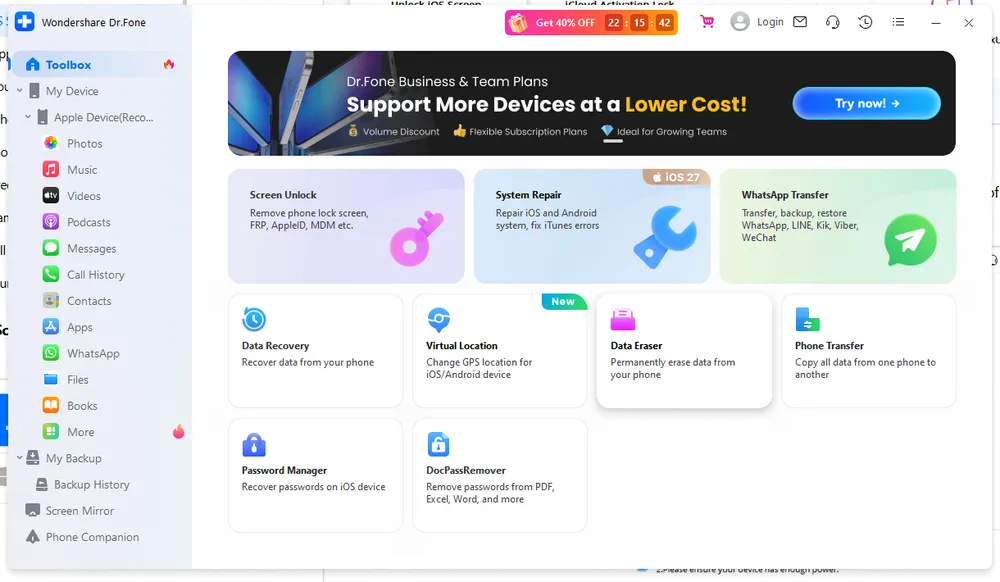
Dr.Fone comes from Wondershare’s broader mobile utility ecosystem. Compared with dedicated unlock tools, Dr.Fone positions itself as a more complete solution that combines different mobile management features, including screen passcode removal, Apple ID removal, MDM removal, and other iOS-related unlocking functions.
During testing, Dr.Fone felt more like a complete mobile utility suite than a dedicated unlock tool. The wider range of features can be useful for users dealing with different iOS lock situations, but it also means users may need to navigate through more options compared with simpler unlock-focused software.
The firmware download also failed partway through on our first attempt and had to be restarted from the beginning. It went through on the second try, but it's worth knowing that a failed download means starting the wait over rather than resuming where it stopped.
Result: Passcode removed successfully. Firmware download took 10 minutes; the removal itself completed in 7 minutes.
Pros
Cons
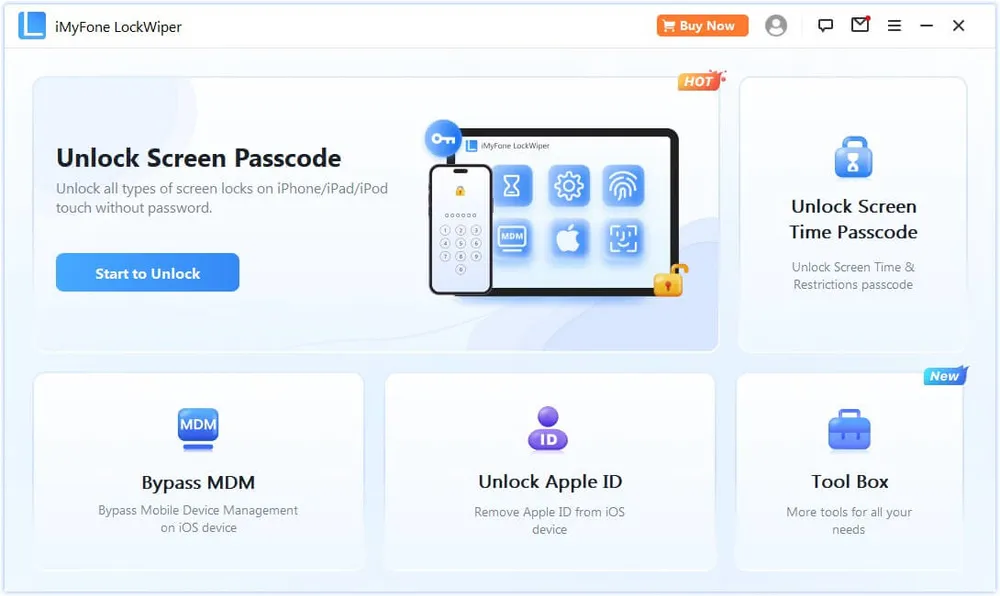
iMyFone LockWiper is built for users who need more than basic screen passcode removal. It provides different unlocking options for situations such as screen locks, Apple ID issues, and other iOS restrictions.
During testing, I found that LockWiper’s biggest advantage is its flexibility. Compared with more focused unlock tools, it provides more options for different lock situations, which can be useful when users are not dealing with a standard screen passcode problem.
However, having more unlocking modes also means users need to spend more time choosing the right option before starting the process. Some features have specific requirements depending on the iPhone model, iOS version, and device status, so checking compatibility beforehand is important.
Result: Passcode removed successfully. Firmware download took 11 minutes; the removal itself completed in 15 minutes.
Pros
Cons
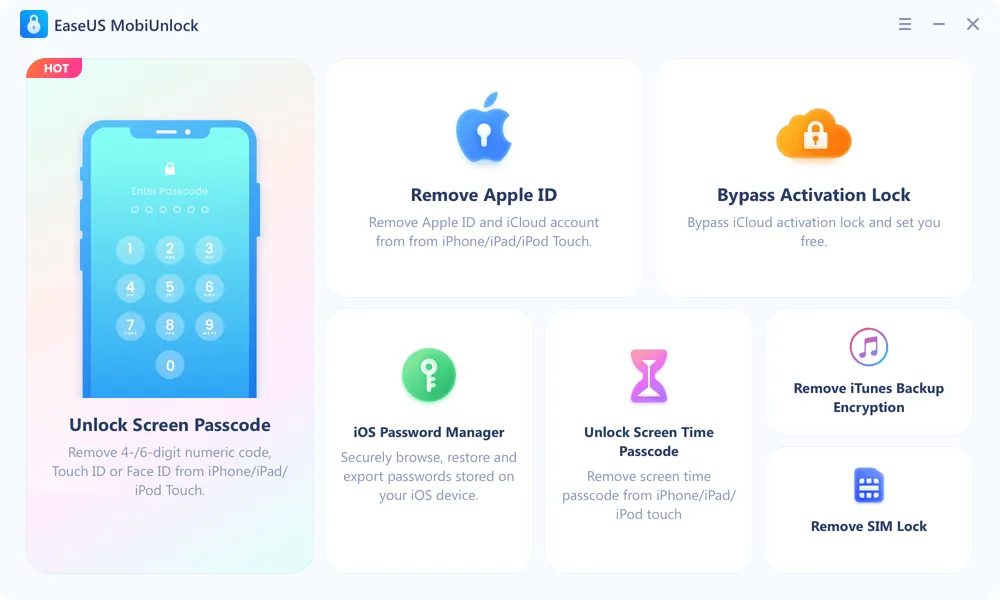
EaseUS MobiUnlock focuses on common iPhone unlocking situations and provides a relatively straightforward workflow for users who only need basic unlock functions.
During testing, I found that MobiUnlock keeps the unlocking process simple without adding too many extra options. This makes it easier for users who only want to remove a forgotten screen passcode and prefer a more direct experience.
However, compared with tools that offer broader unlocking features, MobiUnlock is more limited in terms of advanced scenarios. Users who need options such as Apple ID removal or other specialized unlock functions may find alternatives with wider feature coverage more suitable.
Result: Passcode removed successfully. Firmware download took 9 minutes; the removal itself completed in 10 minutes.
Pros
Cons
The best iPhone unlock software depends on your specific situation. Instead of choosing a tool based only on the number of features it offers, it is more important to consider whether the software matches your actual unlocking needs.
Some users only need to remove a forgotten screen passcode and regain access to their iPhone, while others may need additional solutions for different types of iOS restrictions. The right choice depends on the type of problem you are trying to solve.
Your Situation | Recommended Choice | Why |
You mainly need to remove a forgotten screen passcode | Gbyte Unlock | Focuses on the core unlocking task with a streamlined workflow, making it suitable for users who want a dedicated solution |
You need several different unlocking functions | Tenorshare 4uKey / iMyFone LockWiper | Better suited for users who want to compare different unlocking options for various iOS lock situations |
You prefer a complete mobile utility suite | Dr.Fone Screen Unlock | A better fit for users who are interested in a broader mobile software ecosystem beyond a single unlocking task |
You are already familiar with EaseUS products | EaseUS MobiUnlock | A reasonable option for users who prefer the EaseUS ecosystem and need a straightforward unlocking solution |
If your main goal is simply removing a forgotten iPhone screen passcode, choosing a specialized unlocking tool can be more practical than paying for a larger software suite with features you may not need.
Before making a decision, it is also important to check device compatibility, supported iOS versions, and whether the unlocking process requires data erasing. Most iPhone screen passcode removal tools need to wipe the device during the process, so creating a backup beforehand is recommended whenever possible.
The best iPhone unlock software is not necessarily the one with the most functions. It is the one that fits your specific situation and provides the right balance between features, workflow, and price.
Finding the right iPhone unlock software is not only about having more features. For many users, a clear workflow and a reliable unlocking process are more important than a long list of extra functions.
Among the tools compared in this guide, Gbyte Unlock stands out as a practical choice for users who mainly need to remove a forgotten screen passcode. Its focused approach, straightforward process, and affordable pricing make it a suitable option for users who want a dedicated unlocking solution without unnecessary complexity.
Yes, reputable iPhone unlock software is generally safe when downloaded from the official website. Users should follow the instructions carefully and understand the unlocking requirements before starting the process.
Usually not. Removing a forgotten iPhone screen passcode requires erasing the device due to Apple’s security protections. If you have a backup, you can restore your data after unlocking.
The best choice depends on your unlocking needs. Gbyte Unlock is a practical option for users who mainly need to remove a forgotten screen passcode, while other tools may be better suited for users looking for additional unlocking functions.
Most professional iPhone unlock tools require payment to complete the unlocking process. Apple also provides free recovery methods, but they usually erase the device and require more manual steps.
No. Apple cannot remove a forgotten screen passcode while keeping the device data. Users usually need to erase the iPhone through official recovery methods or use an unlocking tool.
No — that's a different lock. Screen passcode tools reset the device, but Activation Lock is tied to the previous owner's Apple ID and survives the reset. The fix is to ask them to remove it from their account in Find My, or contact Apple with proof of purchase.
 Add Gbyte as a preferred source on Google
Share


Related articles


Copyright ©2026 Gbyte. All rights reserved. Gbyte’s software is not developed by or affiliated with Apple Inc.
The installation wizard will automatically start after downloading.
After registration, the recovery process can be managed through the web interface.
You get it all with your purchase - no locked features, no hidden limitations.