

Gbyte Recovery
Gbyte Recovery
Free scan and selective preview of 25+ data types like messages, photos, and WhatsApp. No data overwritten — recover only what you need.
Table of contents
Deleting photos from an iPhone isn't always final. Even after the "Recently Deleted" album is empty, and even without a backup, a copy can survive in iCloud for weeks.
Where it survives depends on how your phone was set up. With iCloud Photos on, your pictures live in the sync layer and follow the 30-day countdown in Recently Deleted. With it off, they get swept into your iCloud backups instead — a separate snapshot that doesn't disappear when you empty an album. Most people have never checked which of the two applies to them, which is why two users with identical-looking situations can get completely different results from the same software.
What closes the window is new data. Taking more photos, updating iOS, or syncing to a new device all raise the odds of an overwrite. Recovery tools read copies that already exist; none of them can rebuild a file that was fully written over.
This guide covers six tools for recovering deleted iPhone photos — what each one found in our test, where they fall short, and which situation each one suits.
Item | Details |
Device | iPhone 17 |
iOS Version | iOS 26.5.2 |
Computer | Windows 11 |
Photos Tested | 50 photos |
Photo Types | Camera photos, screenshots, downloaded images |
Deletion Method | Deleted from Photos app and removed from Recently Deleted |
Not sure where to start? Here's a quick breakdown based on your situation:
📸 Deleted in the last 30 days?
→ Check Recently Deleted in your Photos app first. It’s free, instant, and Apple’s official safety net.
💾 Have an iCloud or iTunes backup?
→ Try restoring via iCloud.com first. If that misses photos, Dr.Fone or PhoneRescue can extract them from your backup—no device reset needed.
📱 Permanently deleted + no backup?
→ Most tools won’t work. Gbyte Recovery is the only one we tested that recovers photos by scanning hidden iCloud sync data—no cable, no backup, no guesswork. Free scan shows exactly what’s recoverable.
💻 Mac user with recent loss?
→ Disk Drill works for quick, local recoveries—but not for permanently deleted or older photos.
Let’s take a closer look at the full list.
We ran all six against the same set of deleted photos on the same iPhone. Here's what came out of it side by side, before the detailed breakdown of each one.
Software | Platform | USB Required | Backup Needed | Free Version | Deleted Photos in Our Test |
Gbyte Recovery | Desktop + mobile | No | No | Scan and preview, free | Preview made it clear which files matched the missing photos |
Dr.Fone | Windows, Mac | Yes | Works best with one | Preview only | Results needed filtering; detected files weren't all recoverable |
iMobie PhoneRescue | Windows, Mac | Yes | Optional | Some features locked | Large photo list, but some detected images weren't the deleted ones |
Tenorshare UltData | Windows, Mac | Yes | No | Shows files, no recovery | Scan list mixed deleted photos with ones already on the device |
Disk Drill | Mac-first, limited on Windows | Yes | Works best with one | Preview only | Detected files didn't always match the photos we needed |
iMyFone D-Back | Windows, Mac | Yes | More predictable with one | Export limited | Backup route worked better than direct device recovery |
Let's take a closer look at the full list.
If you’re looking for a reliable and efficient software to retrieve deleted photos from iPhone without relying on iTunes or iCloud backups, Gbyte Recovery is one of the top choices in 2026. It stands out as one of the few apps to recover permanently deleted photos from iPhone without a backup—using a cloud-based deep scan engine that accesses iCloud sync data even after you’ve emptied the ‘Recently Deleted’ folder.

I started with Gbyte on the same set of deleted photos. The workflow goes straight at deleted data rather than unpacking a whole backup, and the preview made it easy to tell whether what it found was actually what I'd lost before committing to recovery.
Our experience: Gbyte provides a more focused recovery workflow for users specifically looking for deleted iPhone photos.
Unlike many traditional iPhone picture recovery software, Gbyte Recovery doesn’t require you to plug in your device or depend on a local backup. Once you install the software on your computer, you simply log in to your Apple account and let the scan begin. It searches deeply through synced iCloud photo data—whether your photos were stored in the Photos app, sent through iMessage, or shared via apps like WhatsApp or LINE.
Recovers permanently deleted photos without backup on iPhone
No physical connection needed—works entirely through iCloud
Supports iPhone 12/13/14/15/16/17 and earlier
Recover photos from third-party apps like WhatsApp, Messenger, WA Business, etc.
✅ Best for: Users who didn’t back up their iPhone but still need to recover lost or deleted pictures.
No USB or physical connection required
Free scan and free preview the recoverable photos selectively before you recover
You can only recover the deleted photos that you want; no overwriting of your existing data
Works even without a local or iTunes backup
Currently available on desktop and mobile
Clean, intuitive interface
Requires Apple ID login (2FA required)
Deep scan may take time if the iPhone's photo data volume is large
Dr.Fone by Wondershare is a well-known name in the data recovery space. If you have a backup (either iCloud or iTunes), it can help extract your deleted photos from those backups without overwriting current data.
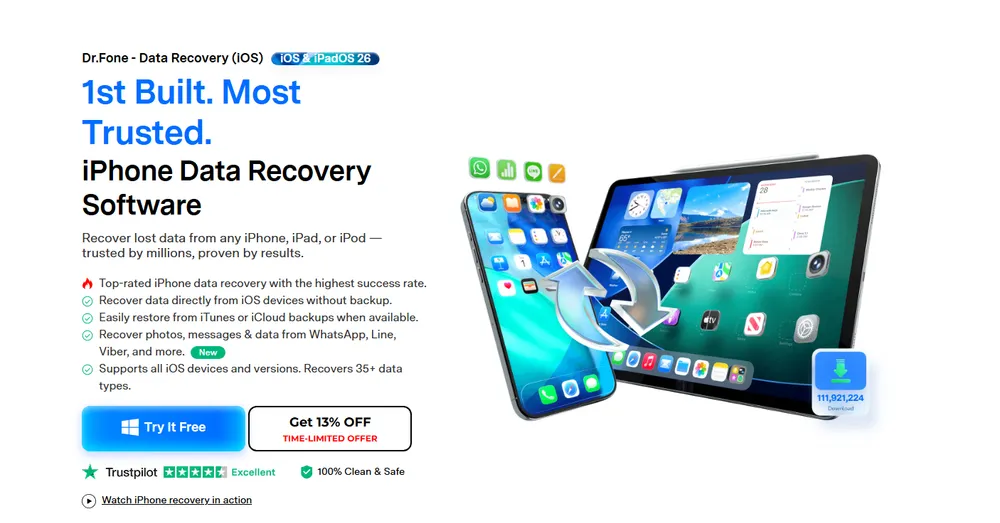
Dr.Fone allows you to scan your device or backup selectively—so you don’t have to restore your entire iPhone just to get a few photos back. It supports photo previews before recovery, which helps you pick exactly what you want to recover.
Dr.Fone's interface is clean, but the scan came back with several kinds of photo data mixed together. I ended up opening files one by one in the preview to work out which ones were the photos I'd deleted.
Our experience: Dr.Fone offers a polished recovery process, but detected files should not be treated as guaranteed recoverable photos.
Works with both deleted and existing iPhone images
Allows previewing before full recovery
Available for both Mac and Windows
⚠️ Note: The free version has limited functionality—you’ll need the premium license to complete recovery.
Full recovery requires paid version
Doesn’t perform well without an existing backup
Some users report inconsistent recovery success rates
iMobie PhoneRescue specializes in iPhone image recovery software with a strong reputation for handling complex recovery situations like iOS crashes or forgotten passwords.
Running the Recover from iOS Device option was straightforward, and PhoneRescue finished with a long photo list. Going through the preview, a good portion of what it found wasn't from my test set at all, so the filtering was still on me.
Our experience: PhoneRescue provides a clean recovery workflow, but finding specific deleted photos may require extra filtering.

Its photo recovery feature is clean and beginner-friendly. You can retrieve images from the device itself, from iCloud, or from an iTunes backup. It also offers a "Smart Recovery" mode that automatically chooses the best method based on your situation.
Supports permanently deleted photos from system failures
Offers three recovery modes
Fast scanning with minimal system load
🎯 Best for: Users dealing with severe data loss due to system crashes or update failures.
Multiple recovery modes (from device, iCloud, iTunes)
Designed to handle iOS crashes and boot issues
Offers step-by-step recovery guidance
Can repair iOS system during recovery
Interface can be a bit overwhelming for new users
Some features locked behind premium version
Recovery accuracy varies based on data condition
If you're looking for an iPhone photo recovery app that balances usability with powerful scanning, UltData by Tenorshare is a good pick. It works on both Windows and Mac, and it allows for direct device scanning, backup extraction, or iCloud recovery.

UltData's iOS Device Recovery mode ran without any trouble and returned plenty of results. The catch was that the list included photos still sitting on the device, so the count on screen didn't tell me much about what I could actually get back.
Our experience: UltData is easy to use, but users should verify preview results carefully before recovery.
Restore photos, videos, and other media without a backup
Simple UI ideal for non-tech-savvy users
Supports third-party app data (e.g., WhatsApp images)
Its iCloud login option helps in retrieving synced photo data, though it does require two-factor authentication setup.
Allows recovery without backup
Compatible with the latest iOS versions
Supports third-party app photo recovery
Clean and beginner-friendly UI
Slower deep scan on older devices
iCloud recovery requires Apple ID login
Free version only shows recoverable files—not actual recovery
Originally known for hard drive recovery, Disk Drill also offers iPhone photo recovery features—especially for Mac users. Its strength sits in accessible data sources: backups, existing copies, and files that haven't been overwritten.
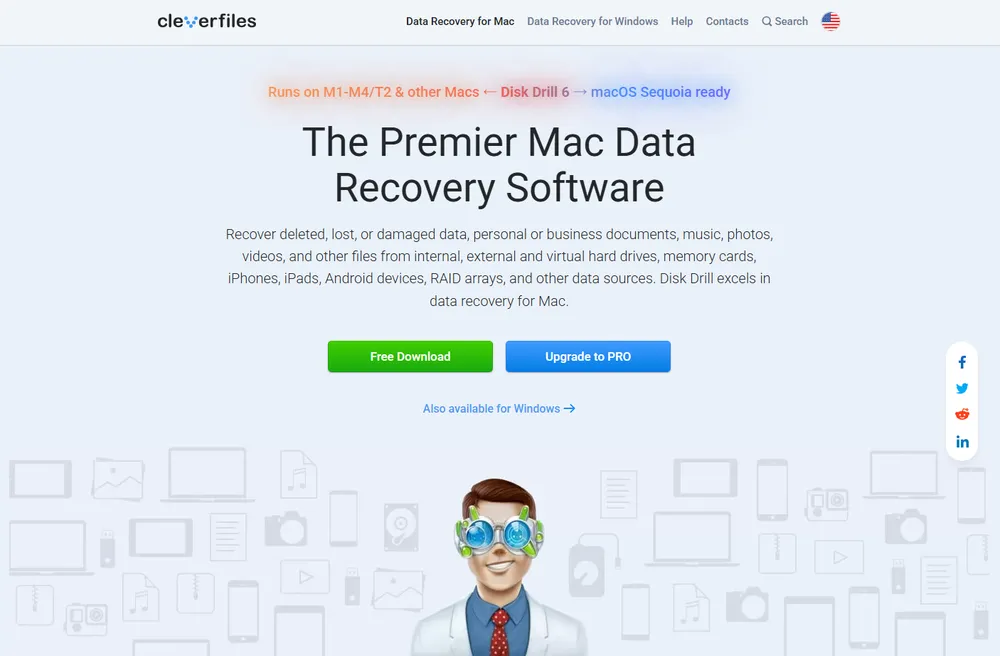
Our experience: Disk Drill works well for accessible data sources, but permanently deleted photo recovery remains challenging.
Deep scan support
Mac-first interface
Supports photo previews
Limited features on Windows for iPhone recovery
Not as specialized in iOS recovery compared to desktop file recovery
Detected files don't always match the deleted photos you're looking for
💡 Keep in mind: Treat it as a backup extraction tool that also handles iPhone photos, rather than a solution for permanently deleted images.
iMyFone D-Back focuses on a wide variety of iOS recovery situations: water damage, jailbreak failures, accidental deletion, etc. It’s often used by support teams for its advanced scanning algorithm.
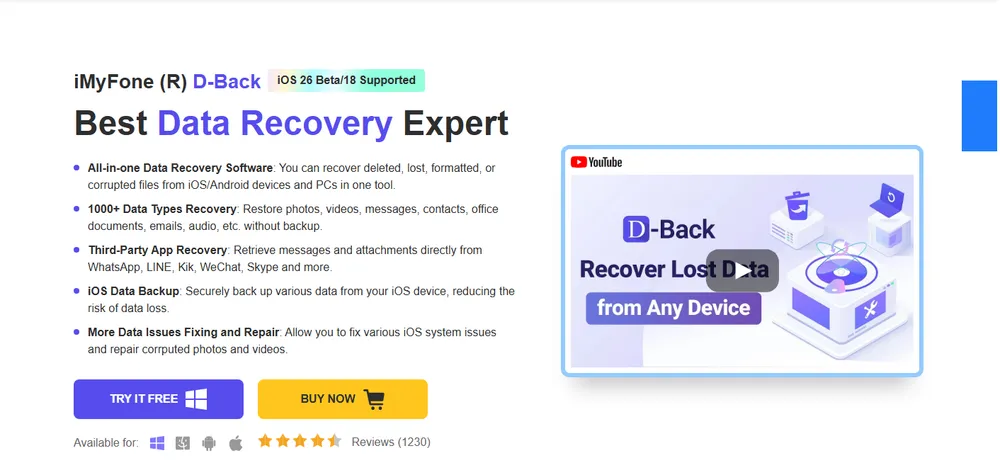
D-Back lays out its recovery paths clearly, so I tried more than one. Which path I picked mattered more than anything else: going through a backup gave predictable results, going straight at the phone for permanently deleted photos did not.
Our experience: D-Back is flexible, but the recovery result depends heavily on what data remains available.
Recovers from device, iCloud, and iTunes
Selective export of individual photos
Works with corrupted or failed devices
Results depend heavily on the data source
Permanently deleted photos remain hard to reach
Free version limits exports
Its multiple recovery routes make it worth trying when you still have a backup to work from.
Yes, tools like Gbyte Recovery and iMyFone D-Back can recover even permanently deleted photos using deep scan methods on synced iCloud data.
Yes. Gbyte Recovery has an iPhone app that scans and previews recoverable photos directly on your phone—no computer needed to check what's there. Most other tools on this list are desktop-only and require a USB connection.
Not always. Tools like Gbyte Recovery and can recover photos even if you don’t have a backup.
Most reputable tools like Gbyte Recovery, Dr.Fone, and PhoneRescue are secure and do not harm your device or data. Always download from official websites.

Share


Related articles


Copyright @2026 Gbyte. All rights reserved.
The installation wizard will automatically start after downloading.
After registration, the recovery process can be managed through the web interface.
You get it all with your purchase - no locked features, no hidden limitations.